
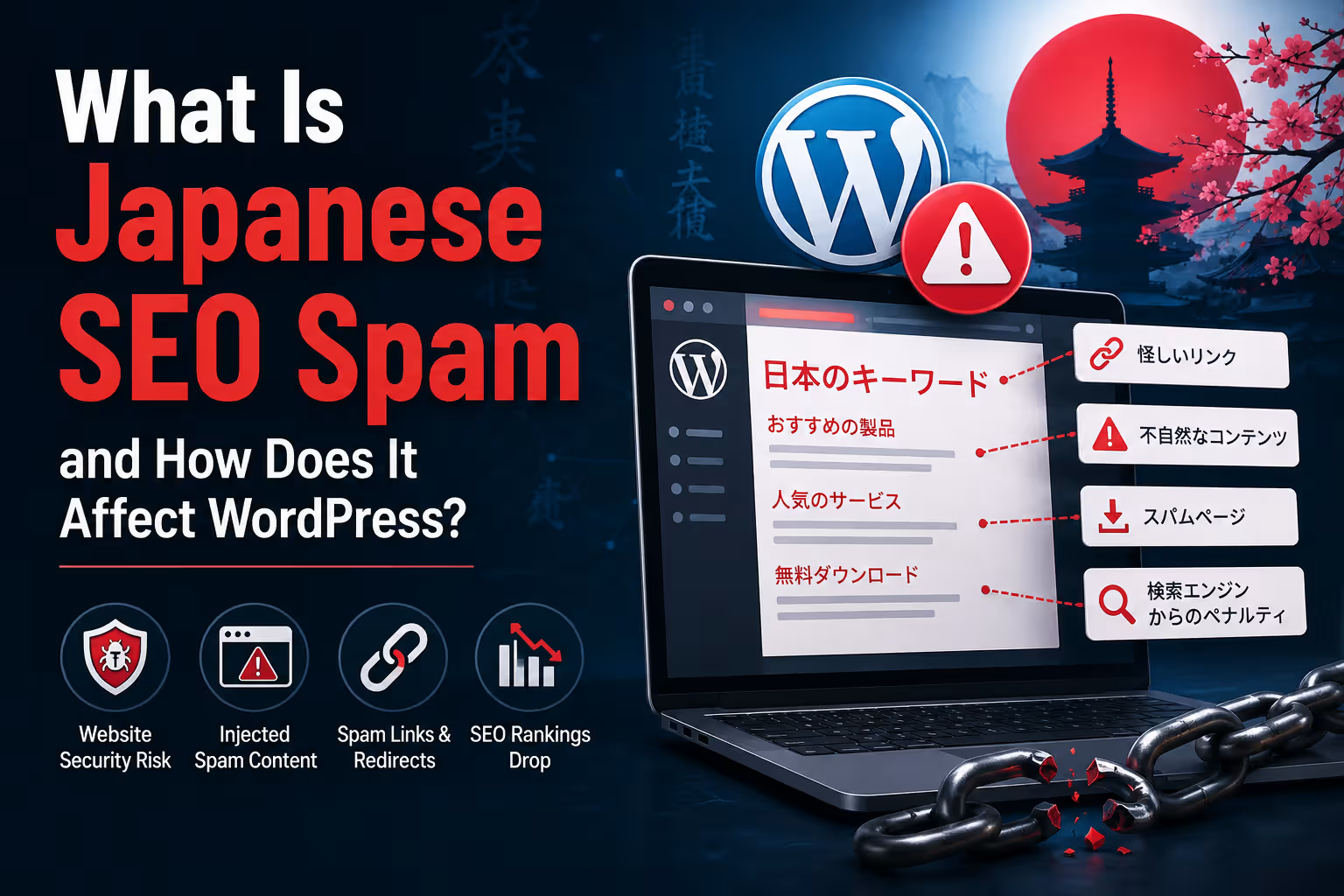

What Is Japanese SEO Spam and How Does It Affect WordPress?
Japanese SEO spam is a type of website compromise in which attackers inject Japanese-language pages, links or search content into a website. WordPress sites can be affected when attackers gain unauthorised access through vulnerable software, compromised credentials or other security weaknesses.
Japanese SEO spam is usually a symptom of a compromised website, not a normal SEO technique.
Attackers compromise a website and create spam pages, links, redirects or other hidden content, often involving Japanese-language text, products or unrelated commercial keywords.
On WordPress, the injected content can appear in the database, files, themes, plugins or other parts of the website. Some attacks are designed specifically to remain hidden from normal visitors while exposing spam content to search-engine crawlers.
Cleaning the visible spam is not always enough. The underlying security vulnerability or backdoor must also be identified and removed.
What Is Japanese SEO Spam?
Japanese SEO spam is commonly used to describe a type of website hack where attackers inject Japanese-language spam content into a compromised website.
The injected content may consist of:
- Japanese-language pages
- Fake product pages
- Spam category pages
- Unwanted links
- Commercial keywords
- Automatically generated content
- Hidden links
- Redirects
The purpose is generally not to improve the legitimate website.
Attackers are trying to use the website's existing domain, authority or search visibility to promote unrelated content.
If a business website suddenly starts appearing in Google for hundreds or thousands of unrelated Japanese search queries, treat it as a potential security incident.
Why Is It Called "Japanese" SEO Spam?
The name comes from one of the most visible forms of this type of attack: Japanese-language spam pages appearing on compromised websites.
However, the underlying technique is not limited to Japan or the Japanese language.
Attackers may use different languages and commercial topics depending on the campaign.
The important point is the unauthorised injection of content, not the language itself.
01. How Does Japanese SEO Spam Get Onto a WordPress Website?
There is no single method.
A compromised WordPress site may have been accessed through a number of possible weaknesses.
Vulnerable plugins
An outdated or vulnerable plugin can potentially provide an attacker with a way to modify files, database content or other website resources.
Vulnerable themes
Themes can also contain security weaknesses or malicious code, particularly when obtained from untrusted sources.
Compromised administrator accounts
Weak, reused or stolen passwords can allow attackers to log into WordPress and make changes using legitimate administrative access.
Compromised hosting or FTP credentials
If an attacker gains access to the hosting account or file transfer credentials, they may be able to modify website files directly.
Existing malware or backdoors
A previous compromise may leave behind malicious code that gives attackers persistent access even after some visible spam has been removed.
02. What Does Japanese SEO Spam Look Like?
One reason these attacks can go unnoticed is that the website may appear completely normal when the owner visits it.
Meanwhile, search engines may discover hundreds or thousands of unexpected URLs.
Common warning signs include:
- Unexpected Japanese pages appearing in search results
- Large numbers of new URLs that nobody created
- Unusual product or shopping pages
- Spam keywords appearing in Google Search Console
- Unexpected redirects
- Unknown files appearing on the server
- Unrecognised WordPress administrator accounts
- Unexpected changes to existing pages
- Sudden increases in indexed URLs
In some cases, the spam pages may not be linked from the visible website at all.
They may exist only in the database or be generated dynamically when a particular URL is requested.
03. Why Can the Website Owner See Nothing?
This is one of the more confusing aspects of SEO spam attacks.
The attacker may deliberately configure the compromised website to behave differently depending on the visitor.
In other cases, the spam may simply exist on obscure URLs that the owner has never visited.
This is why searching for your own homepage is not enough to determine whether a website has been compromised.
Website owners should also inspect search results, Search Console, server files, database content and security scans when suspicious activity is discovered.
04. How Japanese SEO Spam Can Affect Google Search
The SEO consequences can be significant.
A compromised website may suddenly contain large numbers of irrelevant URLs that search engines can discover and potentially index.
Attackers may also inject spam links, redirects or unwanted canonical references.
Google specifically notes that malicious hacks can introduce redirects or cross-domain canonical annotations that cause search systems to select malicious or spammy URLs instead of the legitimate URL. :contentReference[oaicite:0]{index=0}
Possible consequences include:
- Unwanted URLs appearing in search results
- Search visibility problems
- Spam warnings
- Loss of organic traffic
- Confusion around the website's indexed content
- Search-result reputation problems
The SEO problem is therefore often a consequence of the underlying security compromise.
05. It Can Damage a Business's Reputation
Imagine a customer searches for your company and finds:
Your legitimate website
Hundreds of unrelated Japanese product pages
Suspicious search results
Unexpected redirects
Even if the business itself had nothing to do with the spam, the domain can appear compromised or untrustworthy.
For businesses that depend heavily on online leads, this can have a direct commercial impact.
06. Japanese SEO Spam Can Exist in the WordPress Database
One of the important things to understand about WordPress security is that not all malicious content is stored in obvious PHP files.
Attackers can potentially insert unwanted content into database tables.
Depending on the attack, suspicious content may appear in areas such as:
- Posts
- Pages
- Post metadata
- Options
- Users
- User metadata
- Plugin-generated data
This means deleting one suspicious file may not completely clean a compromised website.
A proper investigation needs to consider both files and database content.
07. Attackers May Also Create Hidden Admin Users
Another important warning sign is an administrator account that nobody recognises.
Attackers may create additional accounts so they can regain access after the original vulnerability is fixed.
WordPress's own hacked-site guidance recommends checking for unauthorised behaviour such as the creation of new users and resetting access after a compromise. :contentReference[oaicite:1]{index=1}
This is why a security cleanup should include a review of:
- WordPress administrator accounts
- User roles
- Database users
- Hosting accounts
- FTP or SFTP accounts
- API credentials
08. How Do You Know If Your WordPress Site Has Japanese SEO Spam?
There are several indicators worth checking.
Check Google Search Console
Look for unexpected pages, search queries, indexing activity, security notifications and other unusual changes.
Search Google for your domain
Search using your domain and look for unexpected pages or languages. Search queries can reveal content that is not obvious from the website itself.
Run a malware scan
A security scanner can inspect WordPress files and identify suspicious modifications or known malicious patterns.
Inspect WordPress users
Check whether unknown administrator accounts or other suspicious users exist.
Inspect recently modified files
Unexpected changes to theme files, plugins or other PHP files can provide useful clues about a compromise.
09. What Should You Do If You Find Japanese SEO Spam?
Do not simply delete the visible spam pages and assume the problem is solved.
The first objective should be to determine whether the site is actually compromised and identify how the attacker gained access.
A sensible response includes:
WordPress recommends documenting the symptoms, scanning the website, checking with the hosting provider, resetting access, creating backups, removing the compromise and updating the software. :contentReference[oaicite:2]{index=2}
10. Take a Backup Before Cleaning
This may sound counterintuitive.
If the website is infected, why create another copy?
Because the infected copy can contain useful evidence.
A backup can help determine:
- When the compromise occurred
- Which files changed
- Which database records changed
- Whether the infection existed in an older backup
- Whether the site can be restored to a known-clean version
WordPress recommends maintaining regular backups of both website files and the database. :contentReference[oaicite:3]{index=3}
The important distinction is that you should not blindly restore an old backup without determining whether that backup was already compromised.
11. Update WordPress, Themes and Plugins
Once the cause has been identified and the site is being cleaned, all software should be brought up to supported versions.
That includes:
- WordPress core
- Plugins
- Themes
- Server software where applicable
- Other website components
This is particularly important because security vulnerabilities are regularly discovered and patched.
WordPress releases security updates when serious vulnerabilities are identified. For example, WordPress 7.0.2, released in July 2026, addressed one critical and one high-severity security issue. :contentReference[oaicite:4]{index=4}
Keeping software updated is therefore part of ongoing website security, not merely a maintenance preference.
12. Reset All Important Credentials
If a website has been compromised, changing only the WordPress administrator password may not be sufficient.
Depending on the incident, credentials may need to be reset for:
- WordPress administrators
- Hosting control panel
- FTP or SFTP
- Database users
- SSH
- API keys
- Third-party integrations
WordPress's hacked-site guidance specifically recommends resetting access after a compromise, including WordPress, hosting and other relevant credentials. :contentReference[oaicite:5]{index=5}
Two-factor authentication should also be considered for administrator accounts wherever supported.
13. Removing the Spam Is Not the Same as Removing the Hack
This distinction is extremely important.
| Action | What it accomplishes |
|---|---|
| Delete spam pages | Removes visible unwanted content |
| Delete malicious files | Removes identified malicious code |
| Remove backdoors | Helps prevent attackers from regaining access |
| Patch vulnerable software | Addresses the original entry point where possible |
| Reset credentials | Invalidates potentially compromised access |
| Monitor the website | Helps detect reinfection or continuing suspicious activity |
A site that keeps becoming infected after cleanup usually has an unresolved access path, vulnerable component or remaining malicious code.
How Does Japanese SEO Spam Affect SEO?
The effects can extend beyond the unwanted pages themselves.
- Search results can become cluttered with irrelevant URLs.
- Search engines may encounter spammy redirects.
- Unwanted canonical signals may be introduced.
- The website can receive security warnings.
- Organic traffic can be affected.
- The brand can appear less trustworthy.
- Search Console data can become difficult to interpret.
Google notes that hacked websites can contain malicious redirects and canonical signals that interfere with which URLs its systems select. :contentReference[oaicite:6]{index=6}
The longer a compromise remains undetected, the more difficult the cleanup and recovery process can become.
How Can WordPress Businesses Prevent Japanese SEO Spam?
Prevention is significantly easier than cleaning a heavily compromised website.
Keep WordPress updated
Apply WordPress core, theme and plugin security updates promptly.
Use reputable plugins and themes
Avoid abandoned, pirated or unofficially modified software.
Use strong administrator authentication
Use unique passwords and enable two-factor authentication where available.
Maintain reliable backups
Keep regular backups of both files and databases and know how to restore them.
Monitor the website
Watch for unexpected users, files, redirects, content and search activity.
Use security monitoring
A suitable security solution can help identify suspicious file changes, malware and other indicators of compromise.
Why Website Maintenance Is Also a Security Function
Many businesses think of website maintenance as changing text, uploading images and fixing small design problems.
Security is part of maintenance too.
A WordPress website that is never updated is not simply becoming outdated. It can also accumulate security and compatibility risks.
WordPress itself describes regular updates and security practices as important parts of keeping websites secure. :contentReference[oaicite:7]{index=7}
This is one reason businesses should treat a website as an ongoing digital asset rather than something that is finished permanently on launch day.
If your website suddenly contains pages, users, links, redirects or search results that nobody in your organisation created, do not treat it as an SEO problem first. Treat it as a potential security incident.
Final Verdict
Japanese SEO spam is usually a warning sign that a website has been compromised.
On WordPress, attackers may inject spam into files, databases or other website components and may create unwanted pages that are difficult for the website owner to see.
The SEO damage is only one part of the problem. A compromised website can also affect customer trust, website availability, security reputation and business operations.
The correct response is therefore not simply to delete the Japanese pages. Businesses should identify the source of the compromise, remove malicious code and backdoors, patch the vulnerable component, reset credentials, verify the website and monitor it for reinfection.
Japanese SEO spam is not an SEO strategy. It is a security problem that happens to exploit SEO.
Frequently Asked Questions
What is Japanese SEO spam?
Japanese SEO spam is a type of website compromise where attackers inject Japanese-language pages, links, keywords or other unwanted content into a website, often to exploit the site's existing search visibility.
Is Japanese SEO spam a WordPress plugin?
No. Japanese SEO spam is not a WordPress feature or plugin. It is a common description for unwanted search-oriented content injected into a compromised website.
How does Japanese SEO spam get onto a WordPress site?
Possible entry points include vulnerable plugins or themes, compromised administrator credentials, compromised hosting or FTP credentials, outdated software and existing backdoors.
Why can I see Japanese spam in Google but not on my website?
The spam may exist on URLs that are not linked from the visible website, or the compromised site may behave differently for search crawlers and normal visitors. Search Console and security scans can help identify content that is not obvious from the front end.
Can Japanese SEO spam hurt my Google rankings?
It can. A compromised website may contain unwanted URLs, spammy redirects, malicious canonical signals or other changes that can affect how search engines process the site.
Should I just delete the Japanese spam pages?
No. Deleting visible spam may remove the symptom without removing the underlying compromise. The website should be investigated for malicious files, database changes, unauthorised users, backdoors and the original security weakness.
How can I prevent Japanese SEO spam on WordPress?
Keep WordPress, themes and plugins updated, use reputable software, protect administrator accounts with strong authentication, maintain reliable backups, monitor the website and investigate suspicious changes promptly.
Can a hacked WordPress website be recovered?
Yes. Many compromised websites can be recovered, but the process depends on the nature and extent of the compromise. A proper recovery should address the malicious content as well as the underlying access method or vulnerability that allowed the compromise.